
tyHello, i'm DoN , and today i'll show you How do I install world editor!
You just need to follow all the steps!
- 1: Download the WorldEditor ReMIX: [Hidden content] this is from Marty Sama
- 2: Create on your D:\ Drive a folder named "ymir work" and place the Download files there. (This step is important)
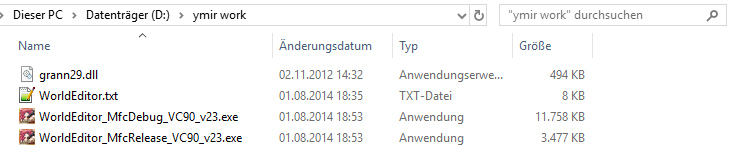
- 3: Copy the following files from your client in the "ymir work" folder:
- 3.1: It should look like that:
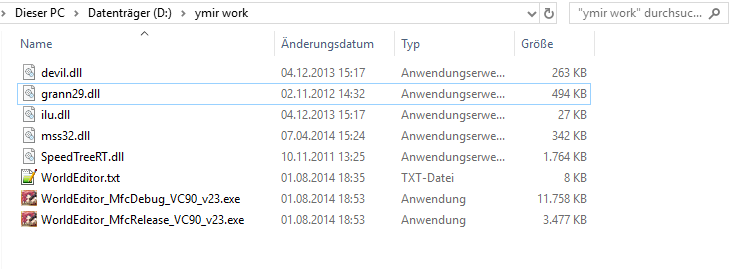
- 4: Unpack the following files from your client and put it in your "ymir work" folder:
- 4.1: If you unpack the files, be sure that you take the right folder!
Example:
pack\effect\ymir work\effect
- 4.2: It should look like that:

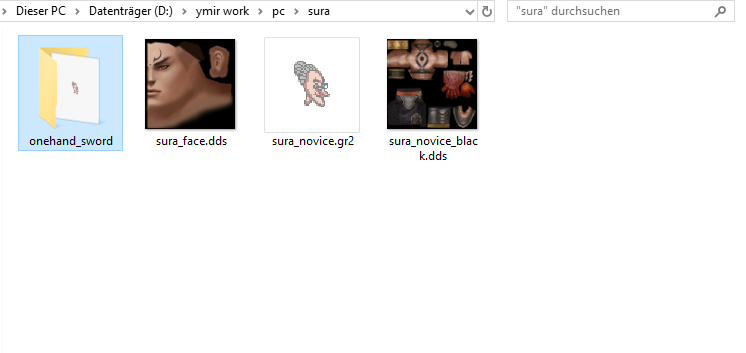
- 5: If you want to see your character in the WorldEditor add following things.
- 5.1: It should look like that:
All done now just run "WorldEditorRemix_MfcDebug_v44.exe" ! I will soon post a video on how to edit maps with World Editor!
so stay on https://metin2hub.com/ for more !!!!
-
Hello Guest ⚔️ Ready to step up? We're recruiting active Moderators to join our team! Join the Team 💎
-
🎉 Hey there! I've just launched my brand new server voting platform Metin2 P Servers 🚀
[Program & HowTo] World Editor by MartySama
- Thread starter DoN
- Start date
-
- Tags
- world editor


Similar threads
- Question


